
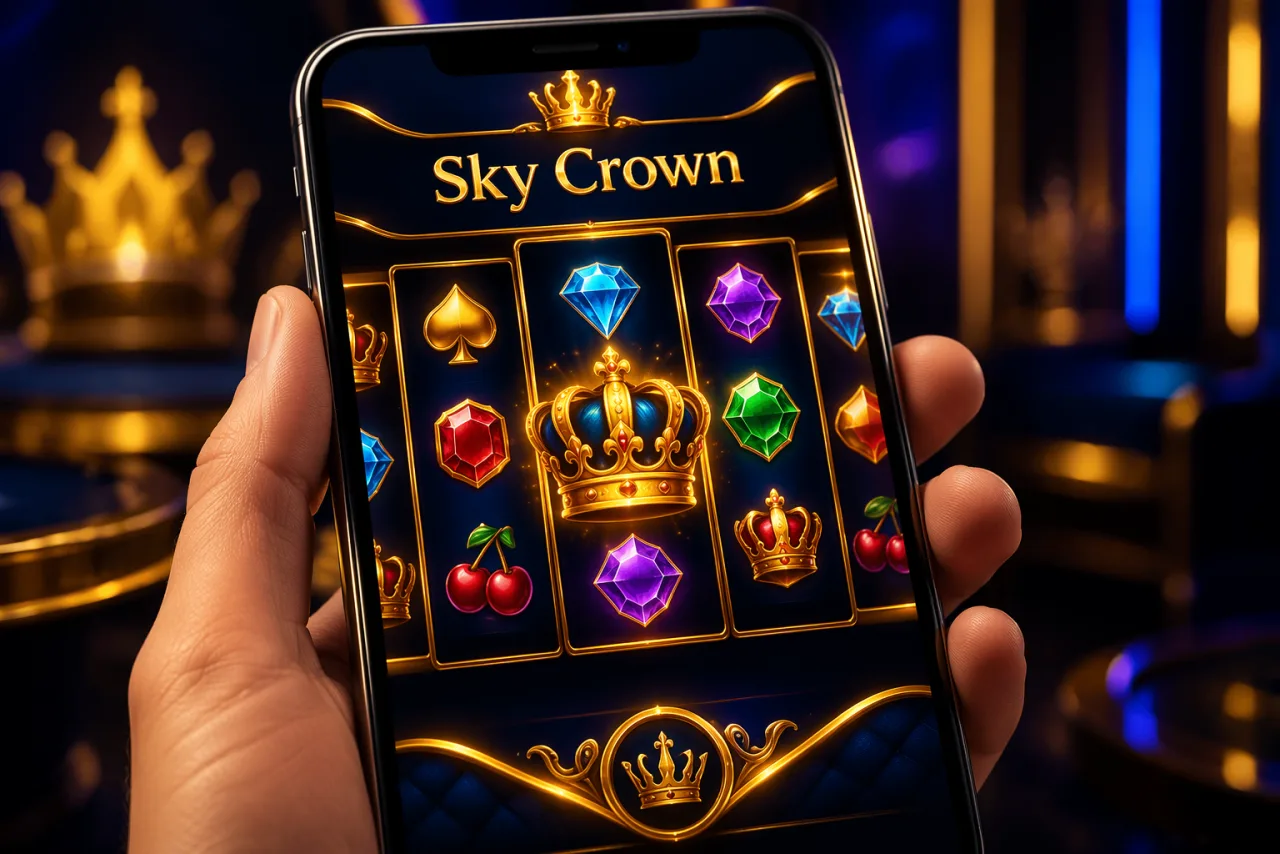
Play Sky Crown on Your Phone: The No-Download Mobile Casino
Sky Crown gives you the whole casino on mobile without a single trip to an app store. The site runs as a browser web app, so 4,000+ games, full banking and 24/7 support load straight from Safari or Chrome.
What Is SkyCrown Casino App?
There is no traditional app to install. Sky Crown is a web app: you reach it through Safari on iPhone or Chrome on Android and play in the browser, with nothing pulled from an app store.
Skipping the native route brings real upsides:
- No storage taken up on your phone
- Always the current version, updated server-side
- Runs on any smartphone or tablet, whatever the brand
- New games go live the day they launch, with no store approval wait
- One account and balance across every device
- Full function: deposits, withdrawals and bonuses included
Load the site on a phone and it recognises the device, then serves the touch layout. Thumbnails, buttons and menus are all scaled for fingers rather than a cursor.
SkyCrown Casino Mobile App Features
Nothing from the desktop version is left behind on mobile:
- 4,000+ Mobile Games: pokies, live casino, table games and instant titles
- Full Cashier: deposit and withdraw by card, crypto or bank transfer
- Live Chat: the same 24/7 support as desktop
- Bonus Claims: enter SKYCROWN and activate offers on the go
- Account Tools: edit details, set limits, review history
- Progressive Jackpots: chase Mega Moolah's seven-figure pool from your phone
- Tournaments: join leaderboard runs wherever you are
How To Install The App on Android?
Android players can pin Sky Crown to the home screen for a full-screen, app-like launch:
- Open Chrome: Launch Chrome on your Android phone or tablet
- Visit Sky Crown: Go to the casino site
- Open the Menu: Tap the three-dot icon, top right
- Add to Home screen: Choose that option from the list
- Name the Icon: Keep "Sky Crown" or set your own label
- Tap Add: Confirm to drop the shortcut on your screen
- Launch: Tap the icon to open in full screen
System Requirements for Android:
- Android 8.0 (Oreo) or newer
- 2GB RAM at minimum
- A steady 4G, 5G or WiFi connection
- Chrome version 90 or later
- About 100MB free for cached data
That covers Samsung Galaxy from the S9 up, Pixel from the 3, OnePlus from the 6, plus most current Xiaomi and Huawei handsets and tablets.
Getting the Sky Crown Casino App for IOS
On iPhone and iPad the steps run through Safari:
- Open Safari: Use Safari, not Chrome, for the smoothest result on iOS
- Go to Sky Crown: Type in the casino address
- Tap Share: The square-with-arrow icon at the bottom of Safari
- Add to Home Screen: Scroll the share sheet to find it
- Name and Confirm: Keep or edit the label, then tap Add
- Open It: The icon sits among your other apps
iOS Device Compatibility:
- iPhone 8 and later
- iPad from the 5th generation
- iPad Pro, Air and Mini, recent generations
- iOS 13.0 or newer
- Latest Safari
Launched from the home screen, the web app fills the display and drops Safari's toolbars, so it looks and feels like a native app.
Mobile App vs. Mobile Version
Why go the web-app route instead of shipping a native build? The trade-offs make the case on their own:
| Feature | Web App (Sky Crown) | Native App |
|---|---|---|
| Storage Required | ~10MB cache | 100-500MB |
| Updates | Automatic | Manual download |
| Installation | Optional, instant access | Required download |
| Cross-Platform | iOS, Android, any OS | Platform-specific |
| New Game Releases | Live instantly | Waits on an app update |
| Performance | Excellent | Marginally better |
You get almost all of the native benefit and almost none of the friction. During actual play, that slim performance gap is hard to notice.
Interface and Navigation
The mobile layout is built for smaller screens first. Featured games, live promotions and quick links to the busy sections sit right on the landing screen.
Navigation highlights:
- Hamburger Menu: The three-line icon opens every section
- Search: Type a name and the game surfaces
- Category Filters: Sort by studio, feature or type
- Both Orientations: Portrait or landscape, games reflow to fit
- Touch First: Buttons sized for thumbs, not cursors
- Gestures: Swipe through the shelf, pinch to zoom where it helps
In-game controls follow suit. Spin buttons are large, stake changes use sliders or plus and minus, and every tap registers without lag.
Steps to Get Started with SkyCrown
A new mobile player can be spinning inside five minutes:
- Open on Mobile: Point your browser at Sky Crown
- Tap Register: Hit "Sign Up"
- Fill the Form: Email, password, name, date of birth, address
- Verify Email: Open the inbox link to activate
- Deposit: Tap "Deposit" and pick a method (from A$10, or A$20 for the bonus)
- Enter the Code: Type SKYCROWN to unlock A$8,000 + 400 FS
- Play: Browse the shelf and place your first bet
It mirrors desktop sign-up but suits touch input. The keyboard pops up when you tap a field, and dropdowns open wide enough to pick from with a finger.
Mobile Gaming Selection
More than 4,000 games are tuned for phones. Studios build mobile-first now, so performance holds up on handsets and tablets alike.
Popular Mobile Pokies:
- Sweet Bonanza: tumbling reels that shine in portrait, 96.51% RTP
- Gates of Olympus: heavy visuals that still render crisp on a small screen
- Book of Dead: a classic tuned for mobile since launch, 96.21% RTP
- Starburst: low volatility that suits a quick session, 96.09% RTP
- Aviator: a fast instant round with a 97.00% RTP
Live Casino on Mobile: Evolution and Pragmatic Play Live stream in adaptive HD, and Lightning Roulette carries a 97.30% RTP. Quality flexes to your connection to head off buffering. Portrait works, but landscape gives you the full table view.
Table Games: The RNG tables use touch-first controls. Tap chips to stake, drag them onto a roulette layout, and use big hit and stand buttons at blackjack. Everything on desktop is here on mobile too.
Mobile Banking Options
The full cashier lives on mobile, so you never have to jump back to a laptop to move money:
| Function | Mobile Support | Notes |
|---|---|---|
| Visa / Mastercard | ✓ Full Support | Auto-fill from the device |
| POLi / Neosurf | ✓ Full Support | Local AUD rails |
| Crypto (BTC/ETH/LTC/USDT) | ✓ Full Support | Scan the QR code |
| Withdrawals | ✓ Full Support | Same methods as deposits |
| Transaction History | ✓ Full Support | Every entry on file |
| Bonus Activation | ✓ Full Support | Enter codes at deposit |
Crypto is the standout on a phone. Scan the QR with your wallet rather than pasting a long address, and the deposit lands in seconds. Cash out in crypto and you are looking at roughly 96 minutes on a verified account.
Mobile Customer Support and FAQ
Live chat works the same on mobile, open 24/7. Tap the chat icon and an agent picks up account, bonus or technical questions.
The mobile FAQ answers the questions that only come up on a phone:
- How much data an hour of play uses
- Battery-saving tips for long sessions
- Clearing the cache to free space
- Reconnecting after a dropped signal
- Handing off between WiFi and mobile data
Mobile Performance & Requirements
The platform stays smooth even on mid-range phones from the past few years.
Technical Requirements:
- RAM: 2GB minimum, 4GB or more preferred
- Speed: 3Mbps at a minimum, 10Mbps+ for live tables
- Storage: around 100MB of cache, managed for you
- Screen: 720p minimum, 1080p or higher recommended
Battery: Casino play draws more than casual browsing. Drop the brightness, close background apps, and plug in for longer runs. Landscape live tables at full graphics drain faster than portrait pokies.
Data Usage:
- Pokies: 3-10 MB per hour
- Table games: 5-15 MB per hour
- Live casino: 300-500 MB per hour
Save live casino for WiFi so a data cap does not cut a session short.
Conclusion
Running as a web app, Sky Crown delivers a proper mobile casino with no download and no update chore. The 4,000+ game shelf, the full cashier and round-the-clock chat all sit one tap away in the browser.
New players can grab the whole A$8,000 + 400 free spins welcome with code SKYCROWN. Sign-up takes under three minutes on a phone, and games open right away with no install to sit through.
Two quick tips: add Sky Crown to your home screen for the app-style launch, and stay on WiFi for live tables. Keep the browser current and the whole thing just works.
Device & Browser Compatibility Matrix
Web app or not, the real-world experience shifts between phones and browsers. We benchmarked the lobby on the handsets Aussies actually carry, so you know what to expect, and which pairings to skip when a live table leaves no room for lag.
| Device / OS | Recommended Browser | Pokie Performance | Live Casino Performance | Home-Screen Install |
|---|---|---|---|---|
| iPhone 12 and newer (iOS 16+) | Safari | Excellent | Excellent | Supported |
| iPhone 8-11 (iOS 15) | Safari | Good | Good | Supported |
| Samsung Galaxy S20+ (Android 12+) | Chrome | Excellent | Excellent | Supported |
| Google Pixel 5+ (Android 13+) | Chrome | Excellent | Excellent | Supported |
| Mid-range Android (Android 10-11) | Chrome / Edge | Good | Acceptable | Supported |
| iPad Air / Pro (iPadOS 16+) | Safari | Excellent | Excellent | Supported |
| Older Android (under 10) | Chrome (limited) | Acceptable | Choppy, not recommended | Limited |
| iPhone 7 or earlier (iOS 14) | Safari | Acceptable | Choppy, not recommended | Supported |
On an older phone, stick to lighter pokies (anything pre-2020 from NetEnt, Microgaming or Play'n GO) and steer clear of live dealer streams at peak hours, 7pm to 11pm AEST. Ageing hardware plus a congested network is the top reason for a mid-game drop.
Mobile Data Usage Per Session
Pokies sip data even over 4G; live streams gulp it. On a metered plan that matters for your bill and your session. Running out mid-spin costs you nothing on the round, but a live-dealer disconnect can leave a bet in limbo for minutes while the table reconciles.
Rough hourly usage, measured on a mid-range Android over 4G:
| Game Type | Data per Hour | Min Stable Speed | 4G Friendly? | WiFi Recommended? |
|---|---|---|---|---|
| RNG Pokies (HD) | ~80 MB | 2 Mbps | Yes | Optional |
| Instant games (Aviator, Plinko) | ~40 MB | 1 Mbps | Yes | No |
| RNG Table Games | ~60 MB | 1.5 Mbps | Yes | Optional |
| Live Roulette / Blackjack (SD) | ~450 MB | 3 Mbps | Yes | Strongly |
| Live Roulette / Blackjack (HD) | ~1.1 GB | 5 Mbps | Tight | Strongly |
| Game Shows (Crazy Time, Monopoly) | ~1.4 GB | 6 Mbps | No | Required |
Game shows burn the most, since they layer HD video with overlays, multipliers and near-constant motion. Stuck on mobile data? Drop the live casino to SD in settings. On a phone screen it looks near-identical and uses about a third of the bandwidth.
Ready to Play on Mobile?
Open Sky Crown on any phone and claim your welcome bonus with code SKYCROWN.
Play Now